The Angling Edge

Find Your Edge

A privacy first fishing logbook for freshwater anglers. Discover what really works on your waters. Track every catch, uncover patterns in your results, and use Edgewise AI to compare today's conditions against your fishing history to help plan your next session.

iOS Coming very soon Android Coming very soon
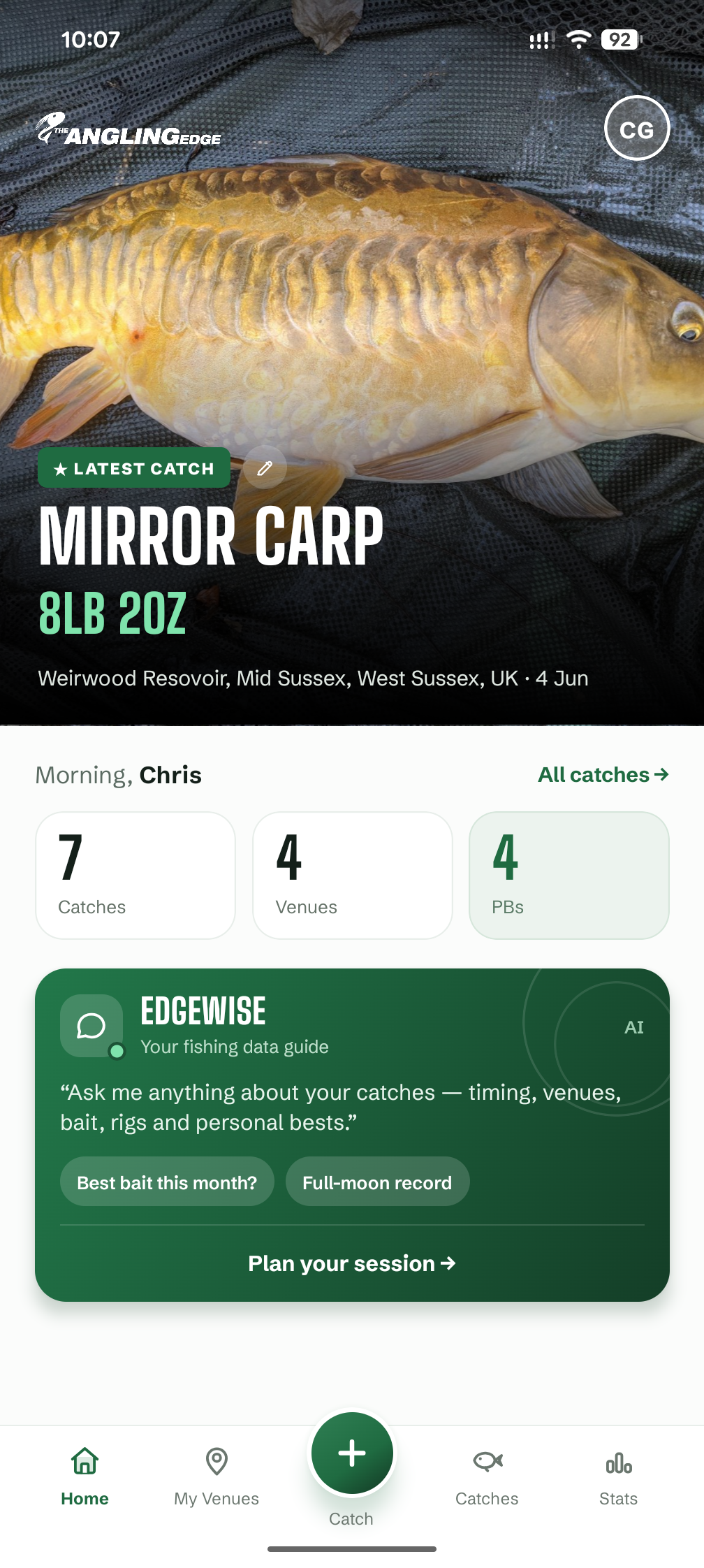
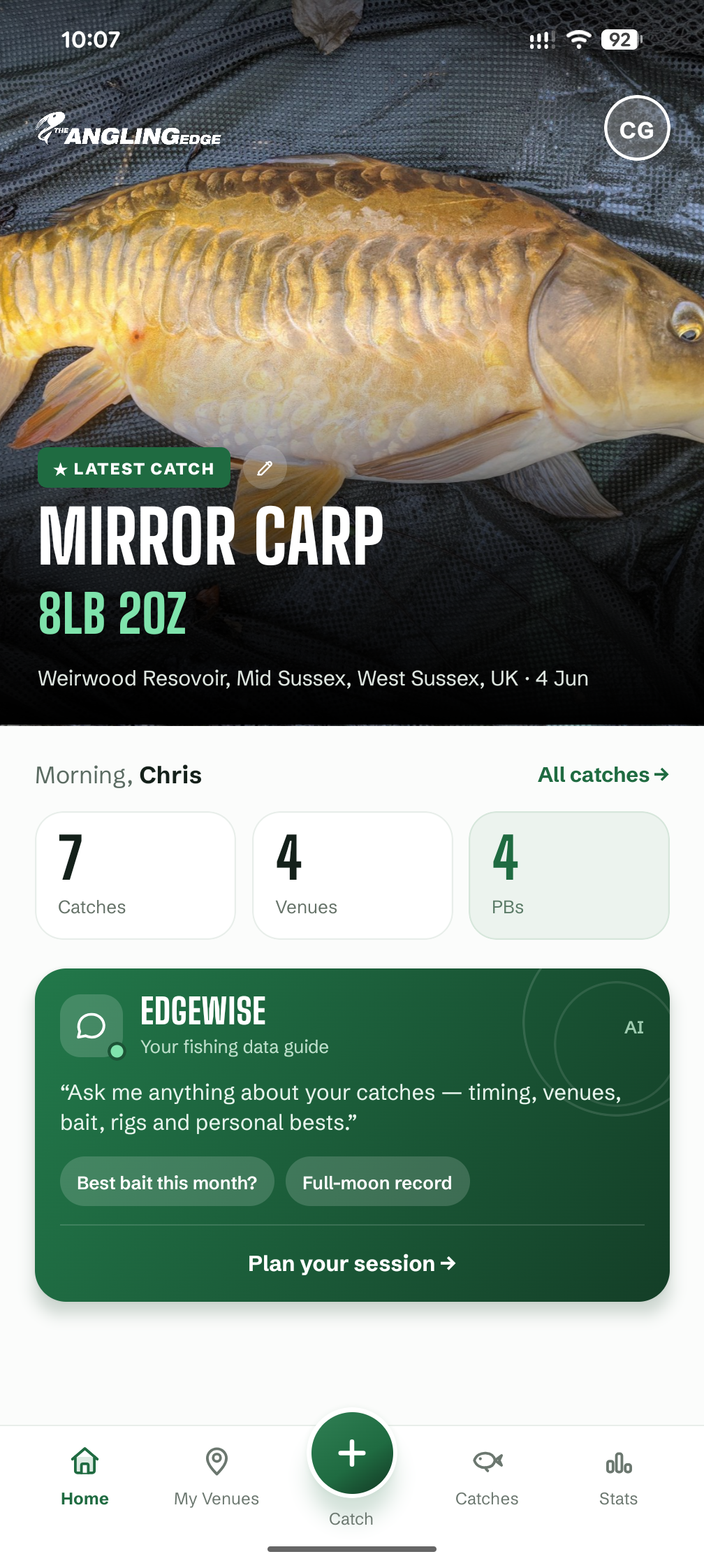
The Angling Edge app home screen
01 - Your logbook

Log every catch,
spot the pattern

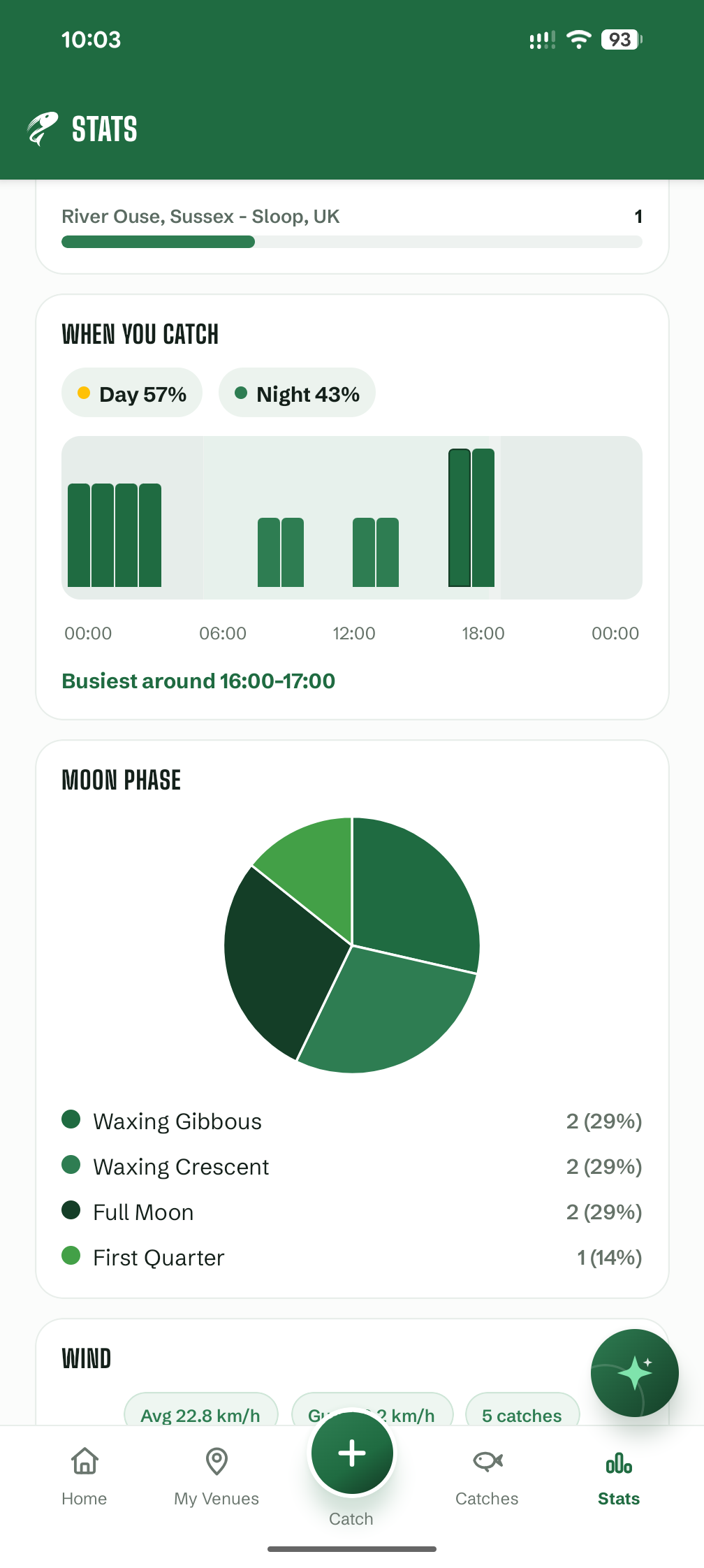
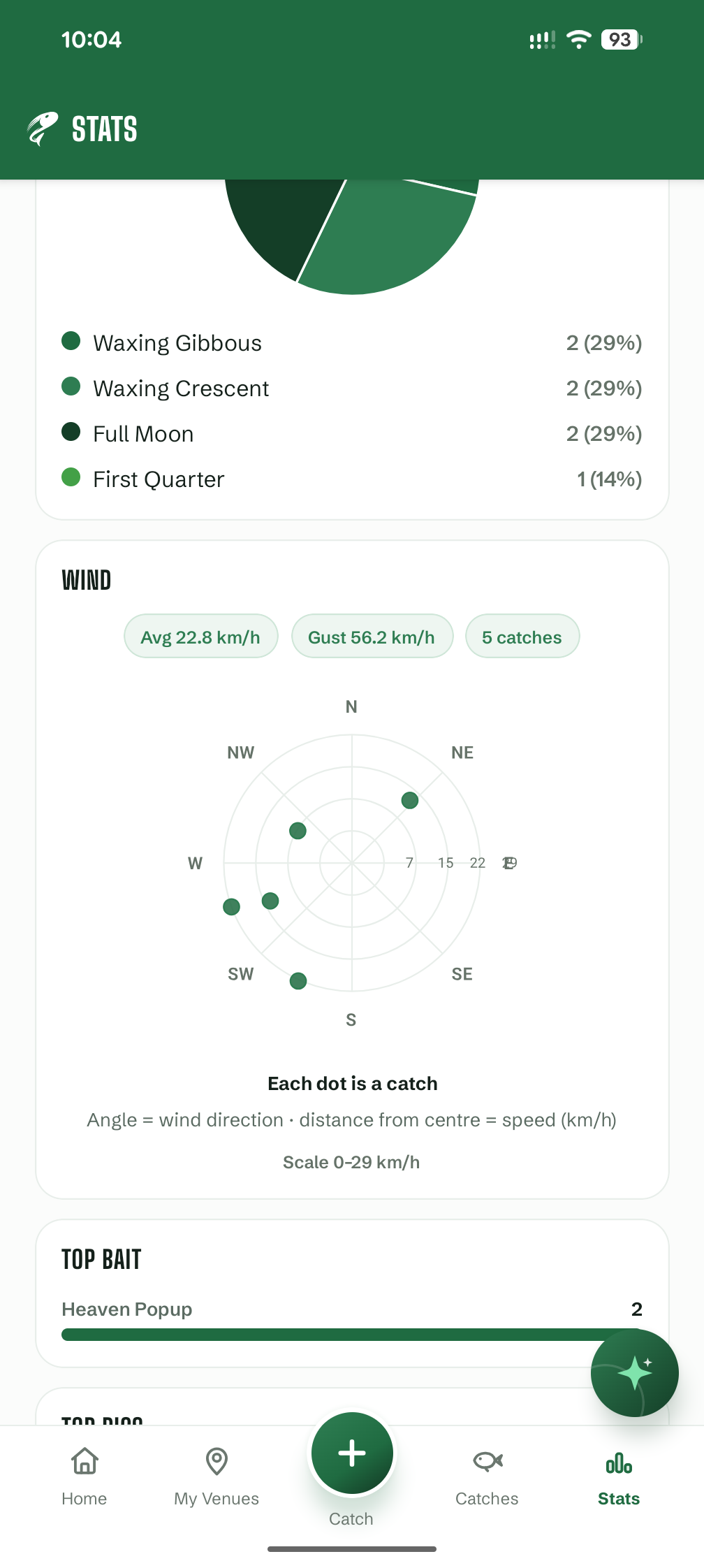
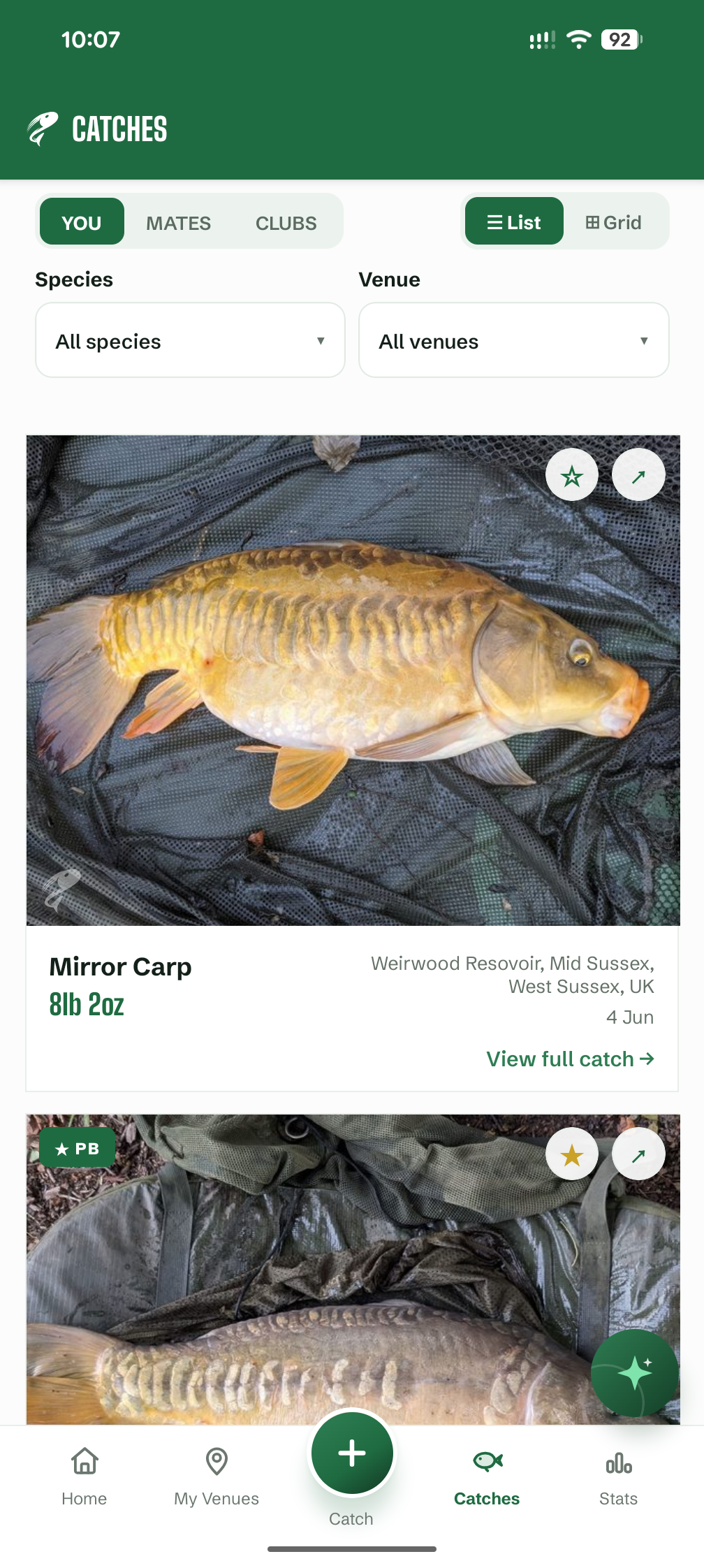
Record species, weight, venue, swim, bait, rig, weather and photos in seconds. Browse your history, track personal bests, and see what actually works - on your waters, in your conditions.

Your carp by time of day
Dawn
AM
Mid
Dusk
Night
Logging a catch in The Angling Edge
02 - Edgewise AI

Ask anything,
get advice

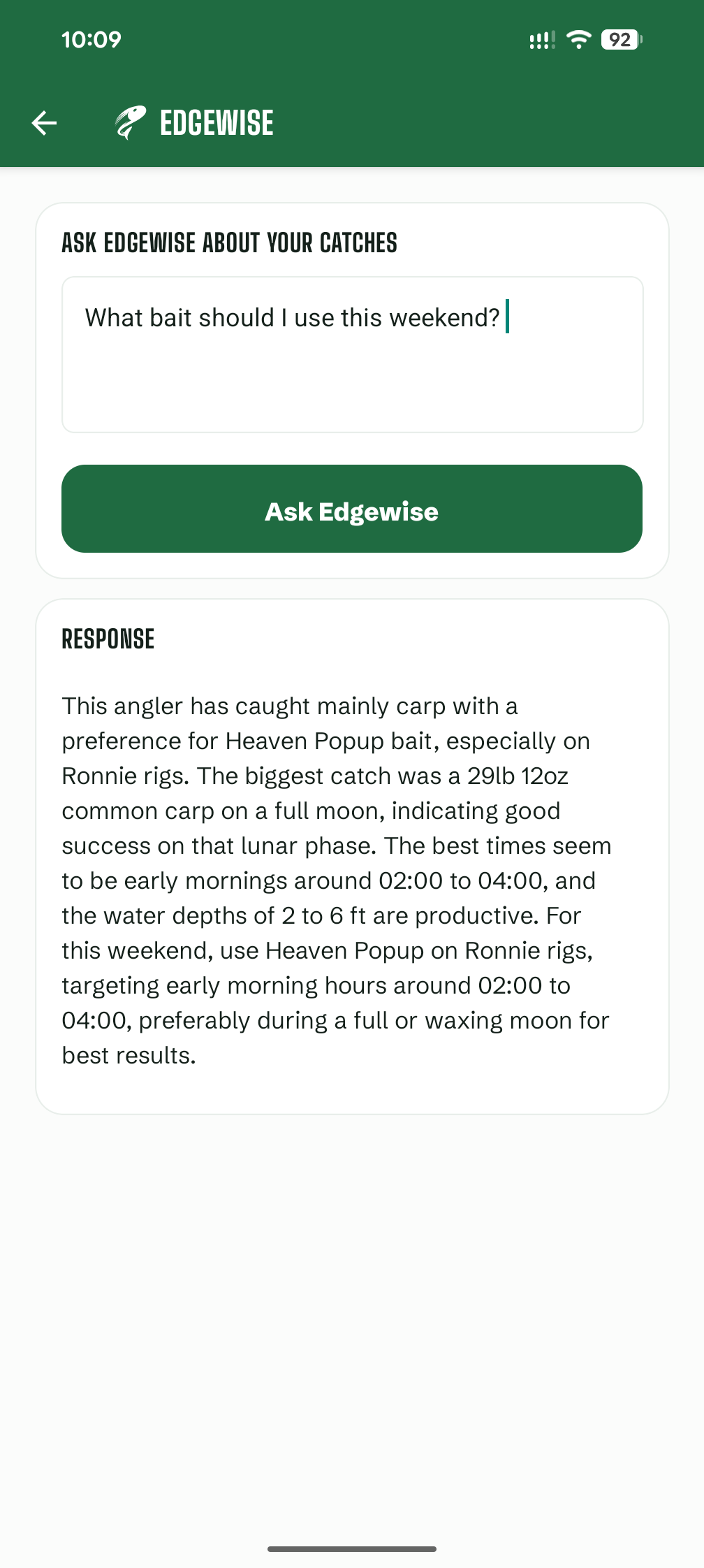
Edgewise AI reads your own catch history and the conditions to answer in plain words - bait, timing, swims and tactics, tuned to how you actually fish.

What bait should I try at Bluebell tonight?
Your best Bluebell sessions ran sweetcorn at dusk on a falling pressure - exactly tonight's forecast.
Edgewise AI fishing advice
03 - Your data, your call

100% in
control

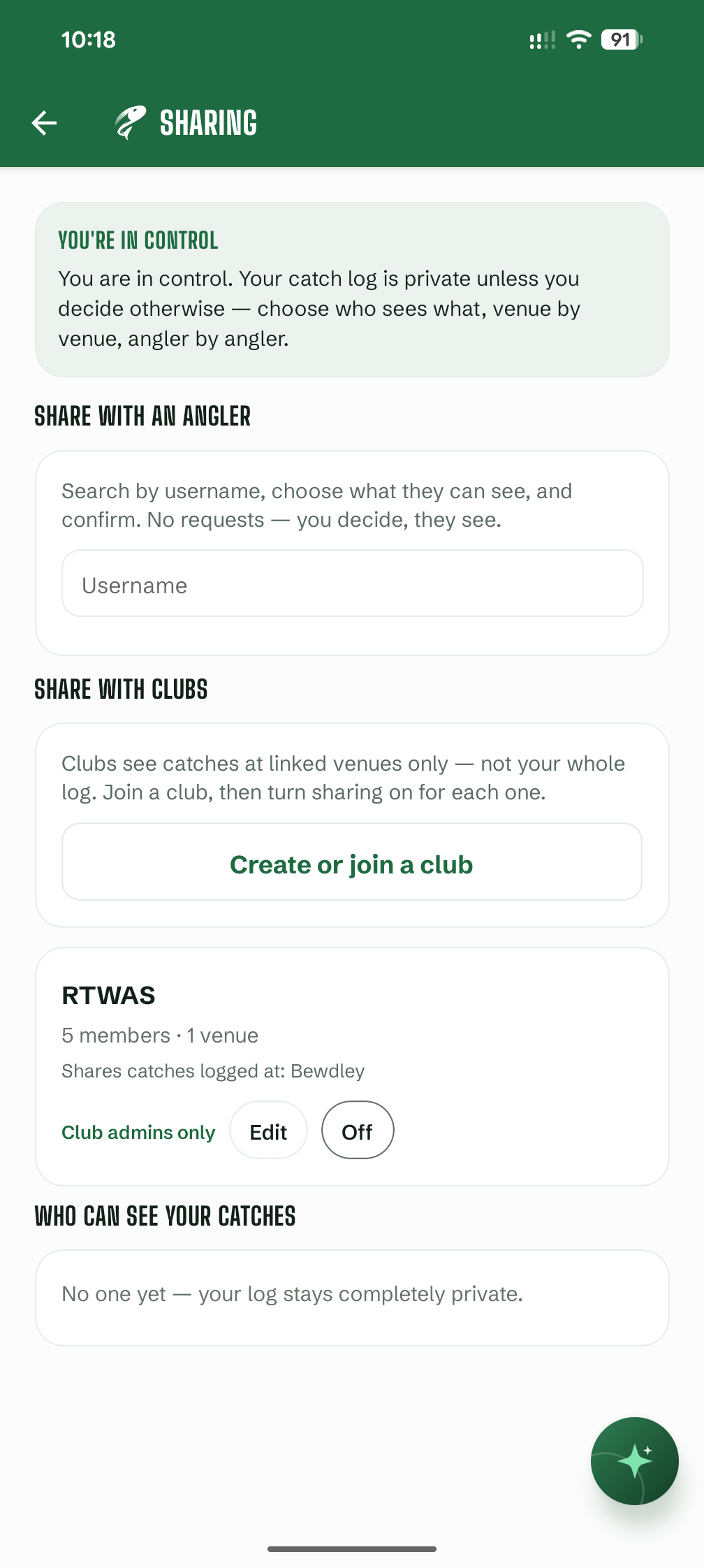
Nothing leaves your logbook unless you say so. Your catches are never used to generate insight for other anglers — only for your own. Share a catch with a mate, post to your club - or keep your best swims a secret. Always your choice.

Private by default

Every catch & swim is yours alone

On

You choose who sees what - venue by venue, angler by angler. We do not pool your log or use it to advise anyone else. Share with mates, clubs and syndicates, or keep everything to yourself.

Catch sharing settings
04 - Clubs & syndicates

Data for your
fishery

Clubs and syndicates can link their waters and gather catch data from members who choose to share - catch totals, species breakdown, weights and a live feed. None of the detail unless permitted by the angler. Ideal for catch reports, stock monitoring and understanding how your fishery is fishing.

Oakwood Syndicate · this season
847 Catches logged
312 lb Total weight
42 Active members
Carp Top species

Members share catches at linked venues only - not their whole logbook. You stay in control; the club gets the picture.

Club fishery statistics
See it in action

App screenshots

App home screen
Catch detail screen
Venues screen
Questions

FAQ

Simple answers about the app and your data.

Yes - private by default. Your catches, swims, notes and photos belong to you. Other anglers cannot see your log unless you choose to share, and your data is never used to generate insight for other users. Nothing is posted publicly or to other users automatically.

Edgewise is the app's fishing assistant. Ask a question - for example, "What bait worked last time at this lake in similar weather?" - and it looks at your own logged catches to suggest bait, timing, tactics and more. It is personalised to how you fish — other anglers' data is never used for your answers, and yours is never used for theirs.

No — your log is not posted publicly or shown to other anglers because you use Edgewise. When you ask a question, we send relevant parts of your catch log as text (species, weight, venue, bait, weather, notes, etc.) to our AI provider, OpenAI, so it can answer you. Up to your 25 most recent catches in scope may be included. Your photos are not sent.

That data is used only to generate your answer — not published online, visible to other anglers, or used to advise anyone else. OpenAI's API policy states API data is not used to train public models by default; they may retain inputs for up to 30 days for abuse monitoring. Using Edgewise does not change who can see your catches in the app.

Yes. In Profile, tap Export my catches. We prepare a zip file with all your catch records and photos, then email a download link. You can request one export per day; the link works for 7 days.

Only you, unless you turn sharing on. Your catches are not used to generate insight for other anglers unless you explicitly share them. You decide who sees what - everything, specific venues only, or nothing. You can stop sharing at any time from the Sharing section in your profile.

If you allow it, the app can tag a catch with GPS and help with venue lookup. Location is used to improve your log - for example, weather at the time of the catch. It is not shared with other users unless you share those catches.

Yes, for most features. Logging in, saving catches, syncing photos, Edgewise and exports all need a connection. We recommend logging catches while you have signal, or soon after a session.

Get started

Find Your Edge

Coming very soon to iOS and Android.

iOS Coming very soon Android Coming very soon